Hey guys!
Sorry for missing the Sunday Funnies this last week… I have been dealing with a lot of crap lately and have been very distracted. Thanks for understanding!
Also, “The Blog Problem of the Week” this week is some visitors, when using the image carousel, are not being able to easily right click on a photo and “Save Image As” because that option does not show up. I am aware of it and trying to track down the source of the issue, so please be patient with me.
I DID however discover that if you have this problem, you can do the following to save a particular photo: Right click on the image you want to save and then without selecting an option, right click again on a different part of the photo and the “Save Image As” option SHOULD appear and allow you to select it.
You can also right click and open image in a new tab or window and then right click on the photo and the “Save Image As” option will appear.
I know it is a hassle to have to do all these steps just to save a photo and am actively looking for a solution. If none of what I just said makes ANY sense, do not hesitate to leave a comment or send me an e-mail to: boyohboi@gmail.com
And now on to the polls for this week!
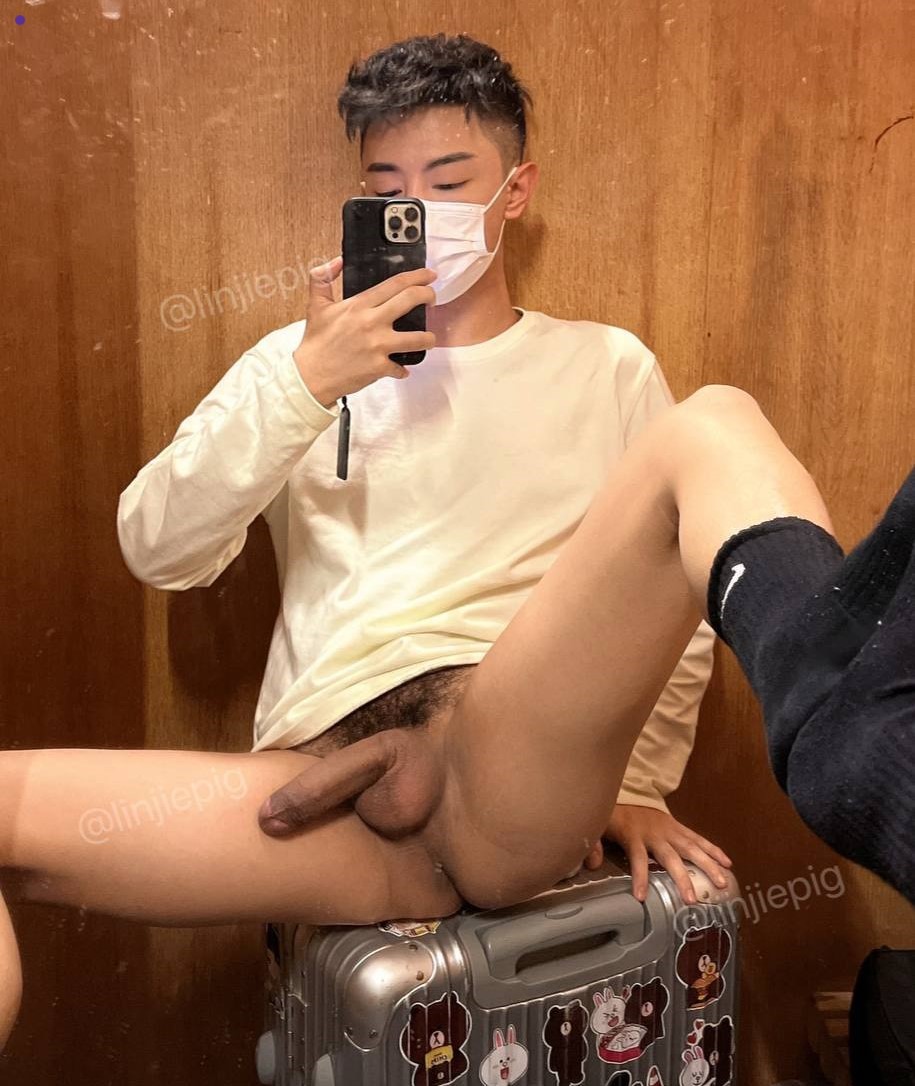
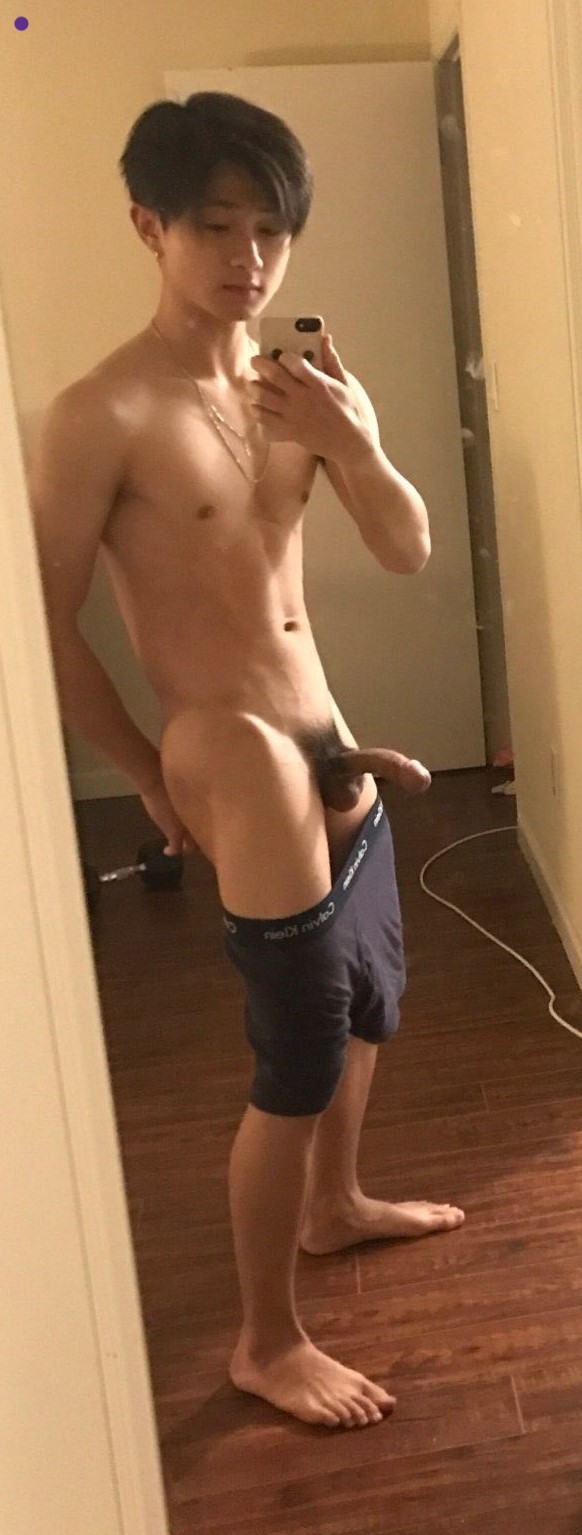
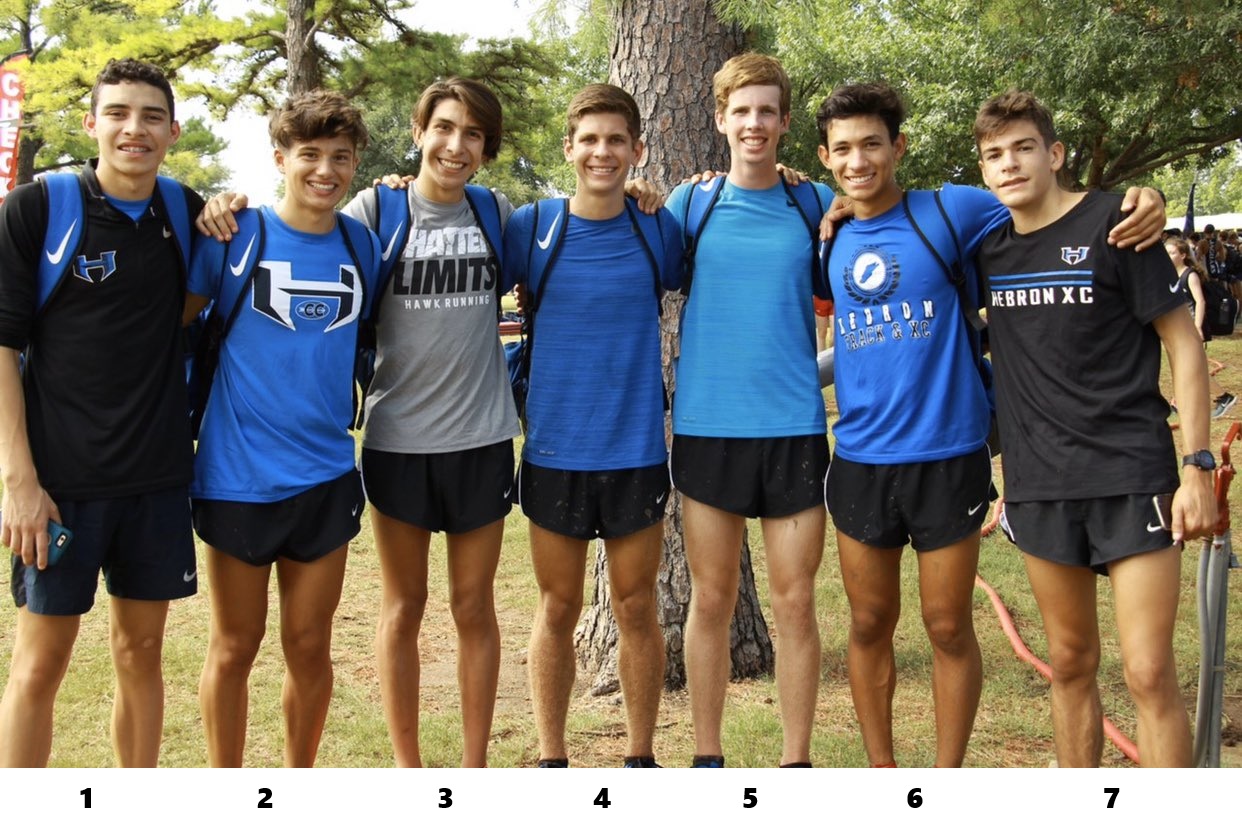
In the first poll, I am going to choose “Runner Boy 1”.
So, Who Would YOU Do?
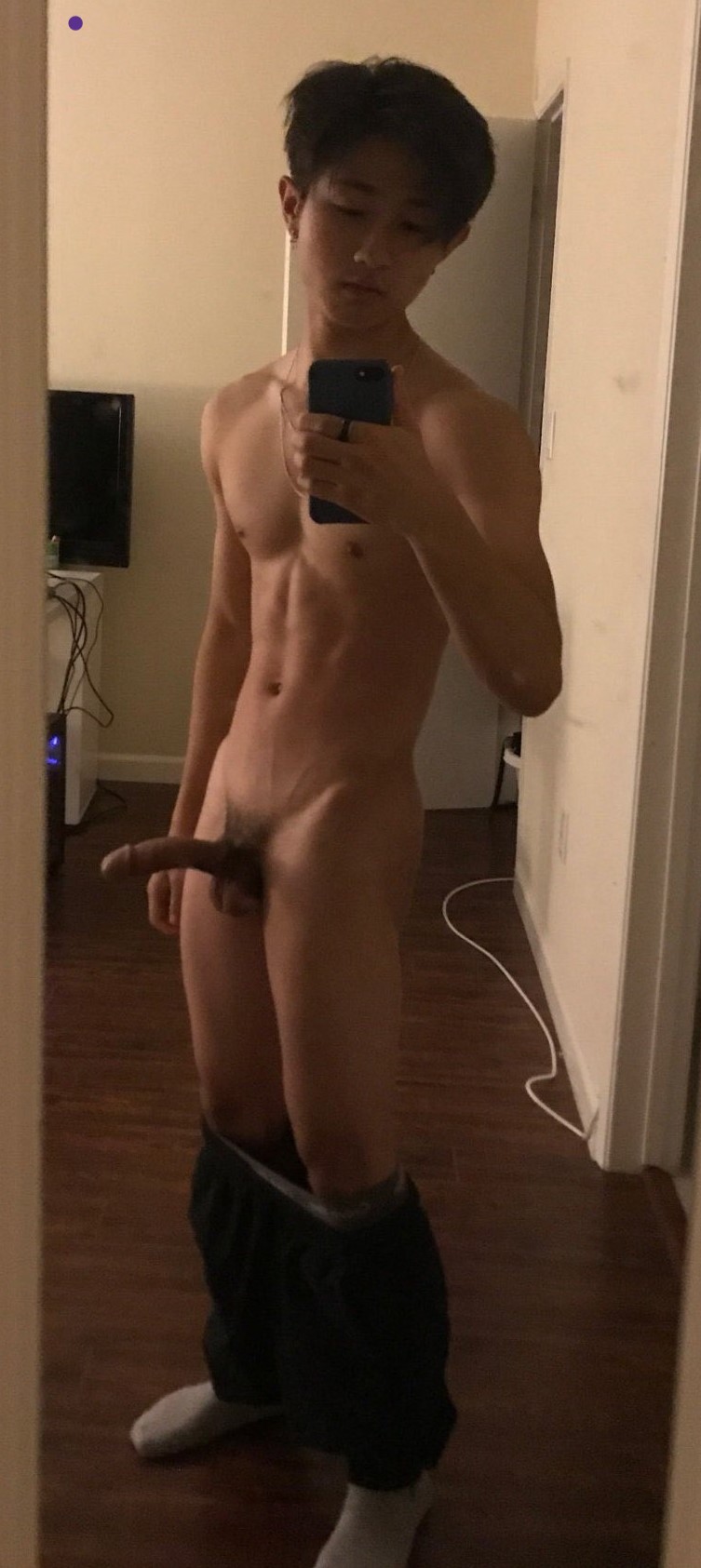
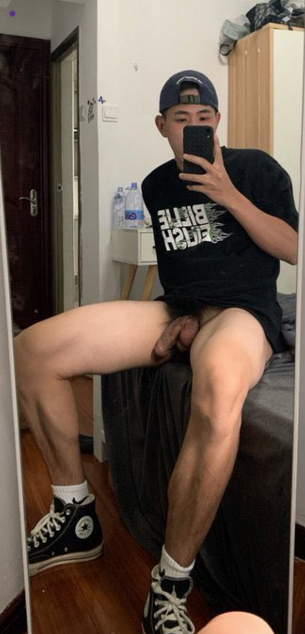
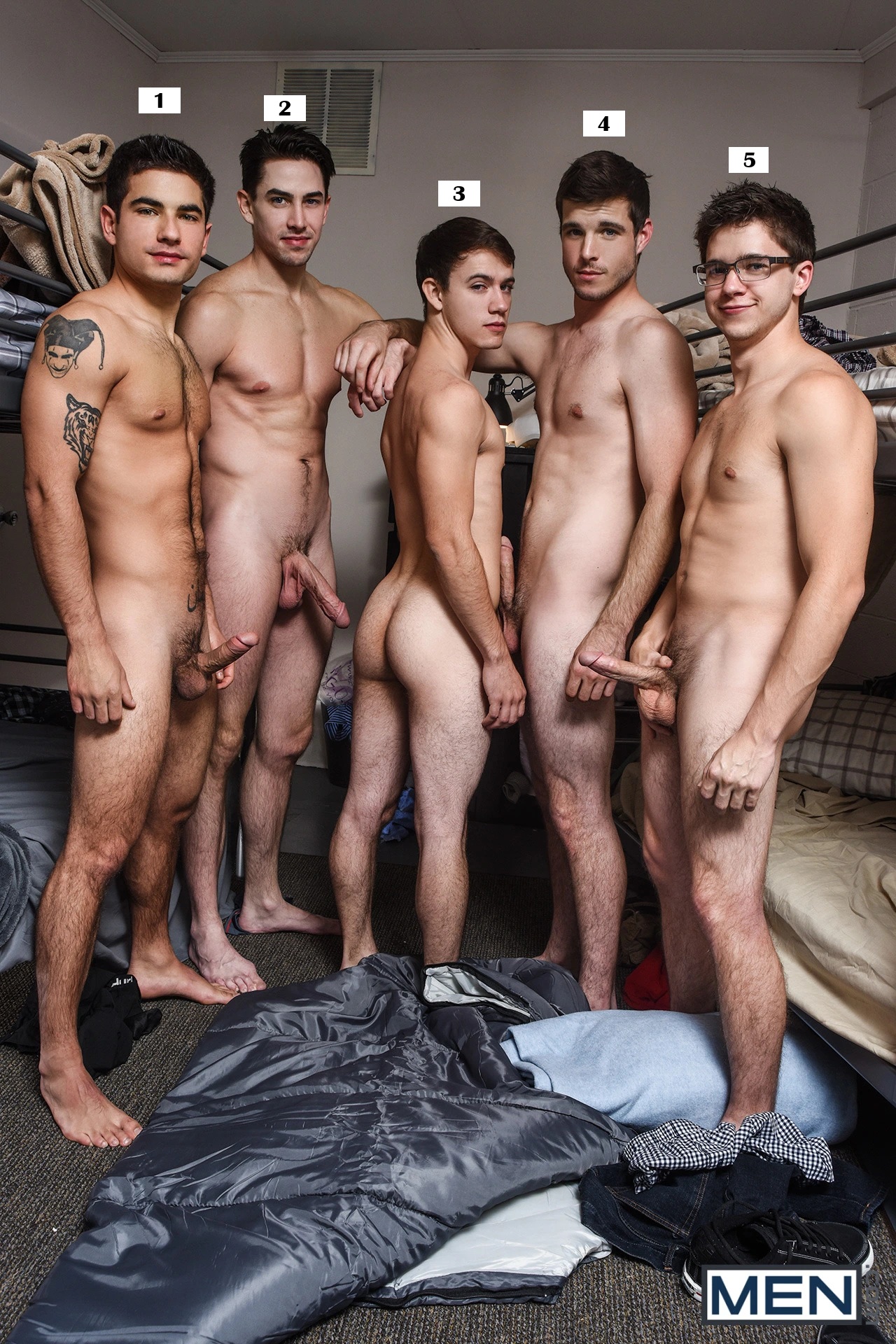
In the second poll, I am going to pick “All of the Above”!
So, Who Would YOU Do?